
Losing important files can be stressful, especially when your computer suddenly stops working or your hard drive becomes inaccessible. Family photos, business documents, customer records, and personal projects may all be stored on one device. The good news is that a hard drive failure does not always mean your data is gone forever. In many situations, the right recovery approach can help retrieve important files. If you need data recovery Albany NY, understanding the cause of the problem is the first step toward finding a solution.
Hard drives can fail for several reasons, including physical damage, corrupted files, accidental deletion, and aging hardware. Some problems are easier to recover from than others. However, trying random repair methods can make the situation worse. Precision Fix helps computer users understand storage problems and explore suitable technical solutions. This guide explains when hard drive failure is fixable, what signs to watch for, and how professional recovery can help protect your valuable information.
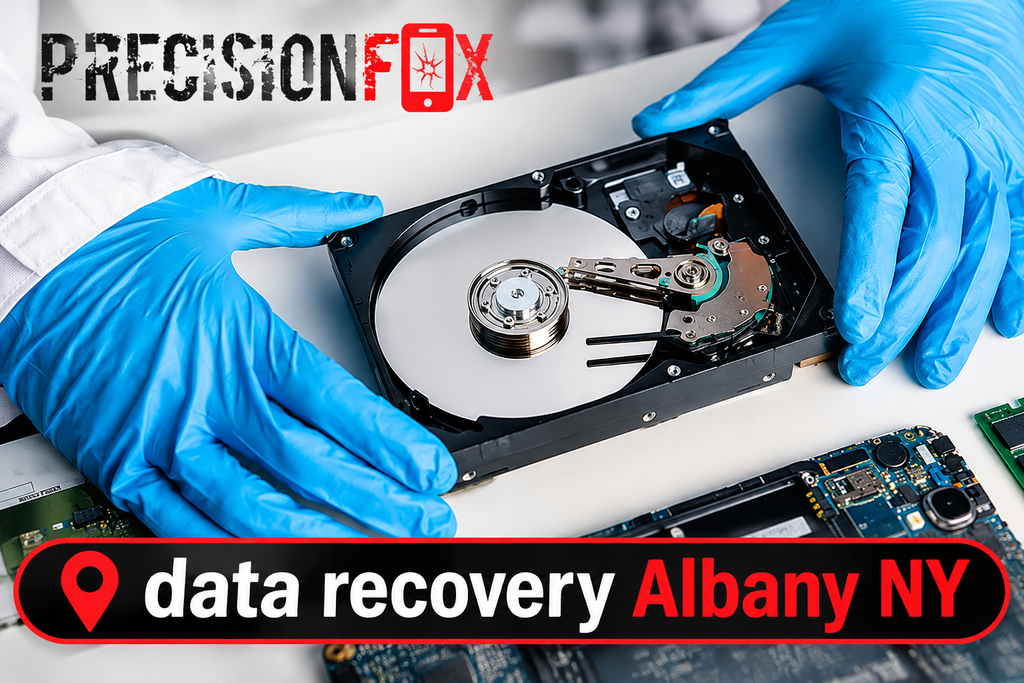
Understanding Hard Drive Failure and Data Loss
A hard drive stores information on your computer, including documents, photos, applications, and operating system files. Over time, its components can wear out or develop problems. When this happens, the computer may become slow, freeze frequently, or fail to recognize the storage device.
People often assume that a damaged drive means every file has disappeared. However, that is not always true. With hard drive data recovery in Albany, NY, technicians can assess the storage device and determine whether the information remains accessible. The recovery options depend on the type and severity of the damage.
What Happens When a Hard Drive Starts Failing?
A traditional hard disk drive uses spinning platters and a moving read/write head to store and access information. If these components become damaged, the device may struggle to read stored files. Even a small mechanical issue can affect its ability to operate correctly.
Some failures happen at the software level instead. File system errors, corrupted partitions, and damaged system information can prevent a computer from opening stored data. These situations may allow professional data recovery Albany solutions without replacing every part of the storage device.
Common Reasons Behind Hard Drive Data Loss
Hard drive problems can develop suddenly or gradually. Sometimes, users notice warning signs for weeks before the device stops working completely. Other times, an unexpected incident causes immediate data loss.
Common causes include:
- Accidental deletion of important files.
- Sudden power loss during file transfers.
- Malware infections or software corruption.
- Physical impact or accidental drops.
- Overheating and poor ventilation.
- Aging storage components.
- Incorrect formatting or partition changes.
Understanding the cause helps technicians select the right recovery method. It also prevents users from wasting time on repair attempts that may cause additional damage.
Signs Your Hard Drive May Be Failing
A failing hard drive often shows warning signs before it becomes completely inaccessible. Recognizing these symptoms early can give you more time to protect your files. Ignoring them may increase the risk of permanent data loss.
If you notice unusual computer behavior, consider getting the device checked. A computer data recovery Albany, NY assessment can help identify whether the problem comes from the hard drive, operating system, or another computer component.
Unusual Clicking or Grinding Sounds
A traditional hard drive should operate without loud or repeated clicking sounds. If you hear grinding, knocking, or unusual mechanical noises, the internal components may have developed a problem.
Do not continue restarting the computer to see whether the sound disappears. Repeated operation can increase damage if the read/write head or platter assembly has a mechanical fault. Turn off the device and seek professional assistance.
Slow Computer Performance and Frequent Freezing
A computer that suddenly takes longer to open files may have a storage problem. Applications may freeze, folders may take several minutes to load, or the operating system may become unresponsive.
These symptoms do not always mean the hard drive has failed. However, they should not be ignored, especially when combined with missing files or repeated error messages. A local data recovery service in Albany can help determine whether the storage device is becoming unreliable.
Missing Files and Frequent Error Messages
Sometimes, folders remain visible, but individual files cannot open. You may also receive messages saying that a file is corrupted or that the location is unavailable.
These issues can result from file system corruption, damaged storage sectors, or accidental changes to the drive. Avoid saving new information to the affected device until you understand the cause. New data may overwrite information that could otherwise be recovered.
Hard Drive Not Detected by Your Computer
A computer may suddenly stop recognizing an internal or external hard drive. The device might not appear in File Explorer, or the system may display a message asking you to format it before use.
Do not immediately accept the formatting option. Formatting can make data recovery more complicated. A data recovery company Albany NY assessment can help identify whether the issue involves the connection, drive electronics, file system, or internal hardware.
When Is Hard Drive Data Recovery Fixable?
Not every hard drive failure results in permanent data loss. Many problems affect access to information rather than immediately destroying the stored data. This distinction is important because the recovery method depends on what actually failed.
For example, accidental deletion and file system corruption may allow software-based recovery. Physical damage usually requires more careful handling and specialized procedures. The possibility of affordable data recovery in Albany, NY depends on the condition of the device, the amount of work required, and the type of damage.
Logical Hard Drive Failure and File Corruption
Logical failure occurs when the physical storage device still works, but the computer cannot properly access its information. Damaged file systems, corrupted partitions, and software errors are common examples.
In some cases, technicians can create a safe copy of the drive and work from that copy. This reduces the risk of damaging the original information during recovery attempts. Logical problems are often more manageable than severe physical failures, although successful recovery is never guaranteed.
Accidental File Deletion and Formatting
Accidentally deleting an important document does not always remove its information immediately. Depending on the file system and device activity, the data may remain recoverable until other information overwrites the same storage space.
The same principle can apply to certain formatting situations. Stop using the affected drive as soon as possible. If you need deleted file recovery in Albany, NY, avoid installing recovery applications on the same device because doing so may overwrite the files you want to retrieve.
Recovering Data From a Damaged Hard Drive
A physically damaged hard drive requires a different approach from a software-related problem. Dropping a laptop, exposing a drive to liquid, or experiencing an electrical surge can affect its internal components.
Do not open a hard drive at home or attempt to repair its internal parts. Dust and improper handling can cause additional damage. Professional technicians can inspect the device and determine whether its components or stored information can be recovered.
Physical Hard Drive Problems That Need Professional Attention
Physical failures can involve the motor, read/write heads, internal platters, or electronic control board. These problems may produce clicking sounds, prevent the device from spinning, or stop the computer from recognizing the drive.
Hard drive failure recovery depends on the severity of the damage. Some devices may allow data extraction after a suitable repair, while severely damaged drives may not be recoverable. A proper inspection helps establish realistic expectations.
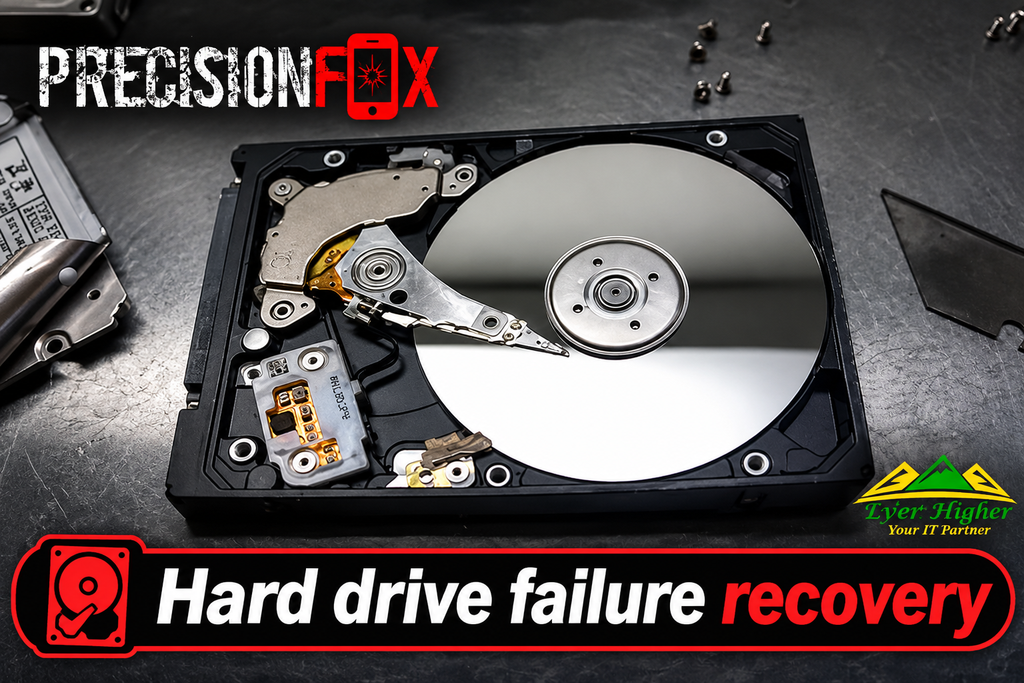
Common Types of Hard Drive Failures
Different storage problems require different recovery methods. A solution that works for deleted files may not help with a mechanically damaged drive. Identifying the exact failure is therefore an important part of the process.
Understanding failed hard drive data recovery can also help you avoid common mistakes. Before attempting any repair, consider the symptoms and whether the device still makes unusual sounds or shows signs of physical damage.
Mechanical Hard Drive Failure Recovery
Mechanical hard drives contain moving parts that can wear out over time. Their platters rotate while the read/write heads access stored information. If these components become damaged, the device may stop functioning correctly.
Mechanical hard drive failure recovery requires careful evaluation. A technician may need to inspect the internal components and determine whether the drive can safely operate long enough to retrieve its information. Severe mechanical damage can make recovery difficult or impossible.
Corrupted Hard Drive Recovery
A corrupted hard drive may appear in your computer but refuse to open folders or files. This can happen after an unexpected shutdown, software error, interrupted transfer, or damaged file system.
Corrupted hard drive recovery may involve examining the file system, creating a drive image, and recovering accessible information. Avoid repeatedly running repair commands without understanding the problem, especially if the device also shows signs of physical failure.
Hard Drive Not Detected Recovery
When a computer cannot detect a drive, the problem may involve its connection, power supply, electronics, or internal components. An external drive may also stop appearing because of a damaged cable or USB port.
Hard drive not detected recovery begins with identifying the actual cause. Technicians can check the connection and power requirements before deciding whether deeper storage inspection is necessary.
Clicking Hard Drive Data Recovery
Repeated clicking can indicate that a mechanical hard drive is struggling to read its platters. It may also suggest a problem with the read/write head or another internal component.
Clicking hard drive data recovery should not involve repeated power cycling or opening the device at home. Turn it off and seek professional help. Continuing to operate a mechanically damaged drive may reduce the chance of retrieving important files.
What to Do When Your Hard Drive Stops Working
The actions you take immediately after a hard drive failure can affect the recovery process. Although it is natural to panic when important files disappear, taking a few careful steps can help protect the remaining information.
If you need emergency data recovery in Albany, NY, avoid experimenting with different applications before understanding the problem. Focus on protecting the device and getting an accurate diagnosis.
Stop Using the Affected Drive Immediately
If your computer displays errors or the drive starts making unusual sounds, stop using it. Do not continue copying, downloading, or saving files to the affected storage device.
This is particularly important after accidental deletion or formatting. New information can overwrite data that may still be recoverable. Keeping the drive inactive helps reduce unnecessary changes.
Avoid Repeatedly Restarting a Failing Hard Drive
Restarting a computer may help with ordinary software problems, but it is not a safe solution for every storage failure. If the drive has mechanical damage, repeated starts may increase internal wear.
You should also avoid reconnecting a damaged external drive again and again. If it produces clicking or grinding noises, disconnect it safely when possible and arrange a professional inspection.
Do Not Attempt Risky DIY Repair Methods
Online tutorials sometimes recommend opening drives, freezing them, or running several repair programs. These methods can cause additional problems, especially when the device has physical damage.
Avoid the following actions:
- Opening the hard drive casing.
- Placing the device in a freezer.
- Formatting the drive to make it accessible.
- Running unknown recovery applications.
- Saving recovered files back to the damaged drive.
Careful handling gives technicians a better opportunity to evaluate the device without additional damage.
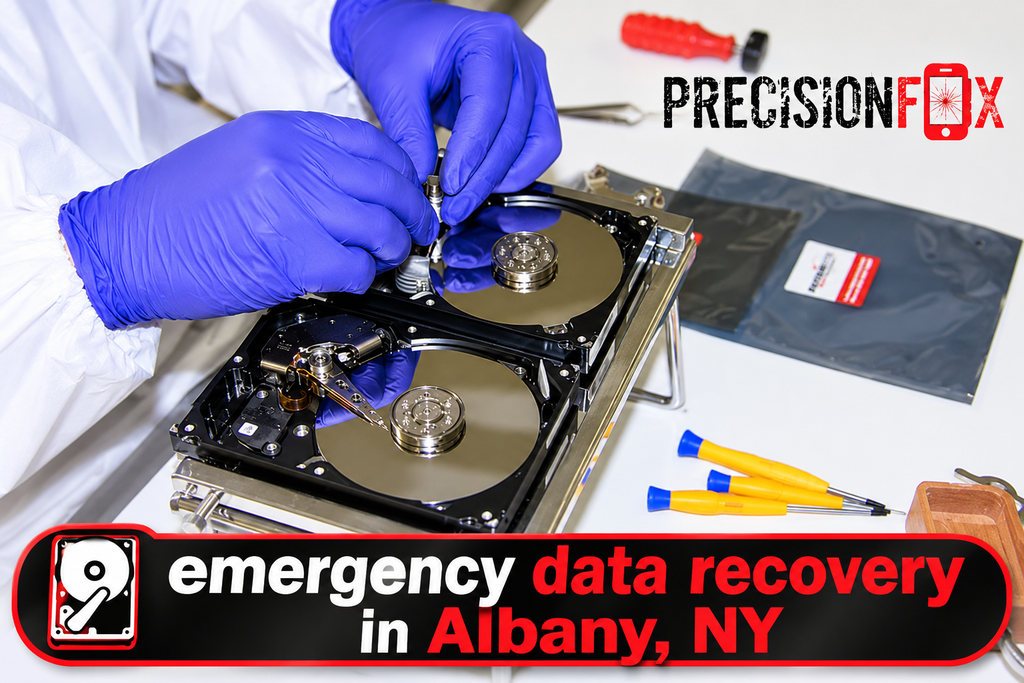
Can You Recover Lost Files From HDD or SSD?
HDDs and SSDs use different storage technologies, so their recovery processes are not identical. Traditional hard drives store information on magnetic platters, while solid-state drives use flash memory chips.
A suitable computer files recovery service should consider the storage technology, device condition, and cause of data loss before choosing a recovery method. The type of device can significantly affect the available recovery options.
Laptop Hard Drive Data Recovery
Laptop hard drives may experience damage from accidental drops, overheating, liquid exposure, or normal wear. A laptop may stop booting even though some information remains stored on its internal drive.
Laptop hard drive data recovery may be possible when the storage device remains readable. A technician can evaluate whether the issue comes from the drive itself or another laptop component that prevents normal access.
External Hard Drive Recovery
External drives provide convenient storage for backups, photos, videos, and business documents. However, they can also become damaged through accidental drops, unsafe disconnection, cable problems, or electronic failure.
External hard drive recovery in Albany may involve checking the enclosure, connection, power supply, and internal drive. If the enclosure is faulty but the storage device remains healthy, the data may still be accessible through an appropriate connection.
SSD Data Recovery and Common Challenges
Solid-state drives do not contain spinning platters or moving read/write heads. They use flash memory and specialized controllers to manage stored information.
SSD data recovery in Albany, NY, can be challenging when the controller, memory chips, or firmware develop problems. Some SSDs also use TRIM technology, which can make deleted information difficult or impossible to recover after the device processes the deletion.
Recovering Files From an Inaccessible Storage Device
Sometimes, a drive appears connected but refuses to display its files. This may happen because of damaged partitions, file system errors, or unsupported formatting.
Recovering inaccessible hard drive data requires identifying why the operating system cannot read the storage device. A careful assessment can help determine whether the information remains available and which recovery approach may be suitable.
How Professional Data Recovery Services Work
Professional recovery starts with understanding the storage problem rather than immediately attempting repairs. Technicians need to know what happened, which symptoms appeared, and whether the device has experienced physical damage.
Reliable data recovery services in Albany should explain the diagnosis, possible recovery options, and any limitations before proceeding. This gives customers a clearer understanding of the process.
Initial Hard Drive Inspection and Diagnosis
The first step usually involves examining the storage device and reviewing its symptoms. Technicians may ask whether the drive was dropped, exposed to liquid, formatted, or affected by a sudden power failure.
This information helps narrow down the possible causes. A proper inspection also helps distinguish between connection problems, logical errors, and physical hardware failures.
Identifying the Cause of Data Loss
After the initial inspection, technicians determine what prevents the device from accessing its information. The issue may involve damaged sectors, corrupted partitions, failing electronics, or mechanical components.
Logical hard drive failure recovery may require a different process from physical repair. Identifying the correct failure type prevents unnecessary procedures and helps establish realistic expectations.
Choosing the Right Recovery Method
The recovery approach depends on the device and the type of damage. Logical problems may allow technicians to work with a safe drive image, while mechanical failures require more specialized handling.
Professional file recovery services should prioritize protecting the original data. Technicians should also explain whether recovery is possible, what risks exist, and whether any files may remain inaccessible.
File Recovery and Data Verification
Once the recovery process is complete, the recovered information should be checked for accessibility and integrity. This means confirming that important folders and files can open correctly.
Recovered files should be saved to a separate healthy storage device. Keeping them away from the damaged drive helps prevent additional loss and provides a safer place for future backups.
How Much Does Hard Drive Recovery Cost?
The cost of data recovery depends on the type of storage device, the cause of failure, and the complexity of the work. Recovering accidentally deleted files may require less effort than handling a physically damaged mechanical drive.
When comparing hard drive recovery costs in Albany, NY, ask what the quoted service includes. A clear explanation of inspection, recovery attempts, and any additional charges helps you make an informed decision.
Factors That Affect Data Recovery Costs
Several factors can influence the final price:
- Type of storage device, such as HDD or SSD.
- Severity of physical or logical damage.
- Number of files and amount of data involved.
- Complexity of the recovery procedure.
- Availability of replacement components when needed.
- Time and technical resources required.
There is no single price that applies to every failed hard drive. A proper diagnosis is necessary before anyone can provide a realistic estimate.
When to Replace a Failing Hard Drive
Sometimes, repairing or continuing to use an aging hard drive is not a sensible long-term option. If the device has repeated failures, damaged sectors, or mechanical problems, replacement may be necessary.
However, replacement and data recovery are two different tasks. Before disposing of an old drive, consider whether it contains information you still need. Recover important files first whenever possible, then move to a reliable replacement device.
Why Choose Precision Fix for Data Recovery?
When important files become inaccessible, you need clear information about the problem and possible solutions. Precision Fix provides computer and IT support through its website, helping customers explore technical assistance for their devices and storage-related concerns.
If you are searching for reliable data recovery services in Albany, start by explaining the symptoms and history of your device. The right assessment can help determine whether the problem involves hardware, software, or another computer issue.
Professional Support for Storage Problems
Every data loss situation is different. A drive that stopped working after accidental deletion requires a different approach from one that makes unusual mechanical noises.
Precision Fix can help customers understand their computer problems and identify suitable technical support options. Always discuss the available recovery services, expected results, and costs before approving any work.
Careful Diagnosis and Practical Solutions
A good diagnosis should explain what went wrong and whether the device can be safely examined. Customers should understand the difference between recovering stored information and repairing the original hardware.
Precision Fix focuses on helping users address computer and IT problems with practical support. For storage-related concerns, ask about the inspection process and the recovery options available for your particular device.
How to Prevent Future Hard Drive Failures
Recovering lost files can be difficult, so preventing data loss should always be a priority. A simple backup routine can protect important documents even if your computer or storage device suddenly stops working.
You should also monitor your computer’s performance and pay attention to unusual storage behavior. Early action can help reduce the risk of losing valuable information.
Create Regular Data Backups
Keep at least one additional copy of important files. You can use an external storage device or a trusted cloud backup service, depending on your needs.
A useful backup routine includes:
- Backing up important documents every week.
- Keeping personal photos in a separate location.
- Using automatic backup tools where appropriate.
- Checking that backup files actually open.
- Maintaining another copy away from your main computer.
Regular backups make it easier to restore information after hardware failure, accidental deletion, or unexpected computer problems.
Monitor Drive Health and Replace Old Devices
Watch for slow performance, repeated errors, unusual noises, and files that suddenly become inaccessible. These symptoms may indicate that the storage device needs attention.
Replace a drive when testing or professional diagnosis confirms that it is unreliable. Do not wait until it completely stops working if important information is stored on it.
FAQs
1. Can data be recovered from a failed hard drive?
Yes, data may be recoverable from a failed hard drive, depending on the damage. Professional diagnosis helps determine the available recovery options.
2. What are the common signs of hard drive failure?
Common signs include clicking sounds, slow performance, missing files, frequent freezing, and a drive that is not detected by your computer.
3. How much does data recovery cost in Albany, NY?
The cost depends on the type of damage, storage device, and recovery method. A professional inspection can help provide an accurate estimate.
4. Can I recover deleted files from an external hard drive?
Yes, deleted files may be recoverable if new data has not overwritten them. Stop using the drive to improve the chances of recovery.
5. Is SSD data recovery possible?
Yes, SSD data recovery is sometimes possible, depending on the controller, memory condition, and type of data loss. However, some failures can make recovery difficult.
Conclusion: Get Help With Data Recovery in Albany
A hard drive failure does not always mean permanent data loss. Problems such as accidental deletion, corrupted partitions, and certain logical errors may allow successful recovery. However, physical damage and severe SSD failures can be much more challenging. The safest approach is to stop using a suspicious drive and seek a proper diagnosis before attempting repairs.
If you need data recovery Albany NY, Precision Fix can be a starting point for exploring computer and technical support. Protect your important files, avoid risky DIY methods, and ask about suitable recovery options before making changes to a damaged storage device. A careful approach today may help protect valuable information for the future.